Client project · Innovate Product Design
A seed phrase, hidden in a chart.
A crypto client arrived with a working prototype and no interface design. Four days later they had a mark, a theme and a demonstrable MVP.
The what
Four inputs. One chart only you can read.
The client came with a programmed prototype of a new idea: an innovative way to hide the seed phrase for a crypto wallet inside a series of randomly generated charts that only its owner can then decode for future use.
First, the charts are randomly generated. The user then creates a password from a mix of characters and numbers, with as many characters as their seed phrase has words, and chooses a starting set from 1 to 24 and a PIN from 1 to 84. Finally, they enter their unique seed phrase and link it to their custom charts.
The app shuffles the phrase into a series of one-time charts. They can only be reversed with exactly the same values, in the same order.
The why
Seed phrases live in memory and on paper.
A seed phrase is the key to a crypto wallet, and today it is kept in one of three places: someone’s memory, a piece of paper, or a hardware wallet.
The client had never designed an interface and gave me complete freedom. The brief was to keep to his prototype’s structure, but create a product brand, a theme and a high-fidelity, demonstrable MVP.
The how
Brand and interface, designed together.
With very few competitors to measure against, there was room to be original while staying inside the visual language people expect from crypto.
The prototype already made the direction clear, so the brand and the interface were designed together from the start.
Logo concepts
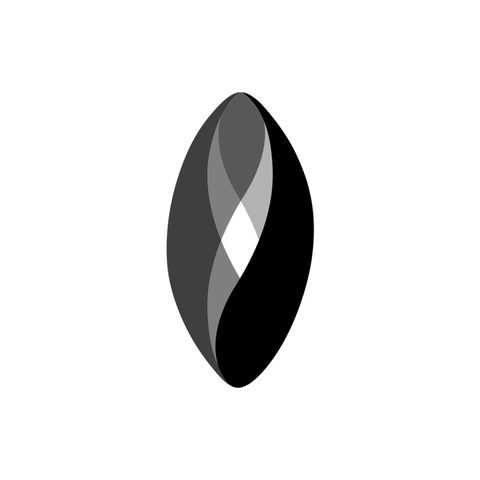
Three initial concepts for the client to choose from.
Fig. 01
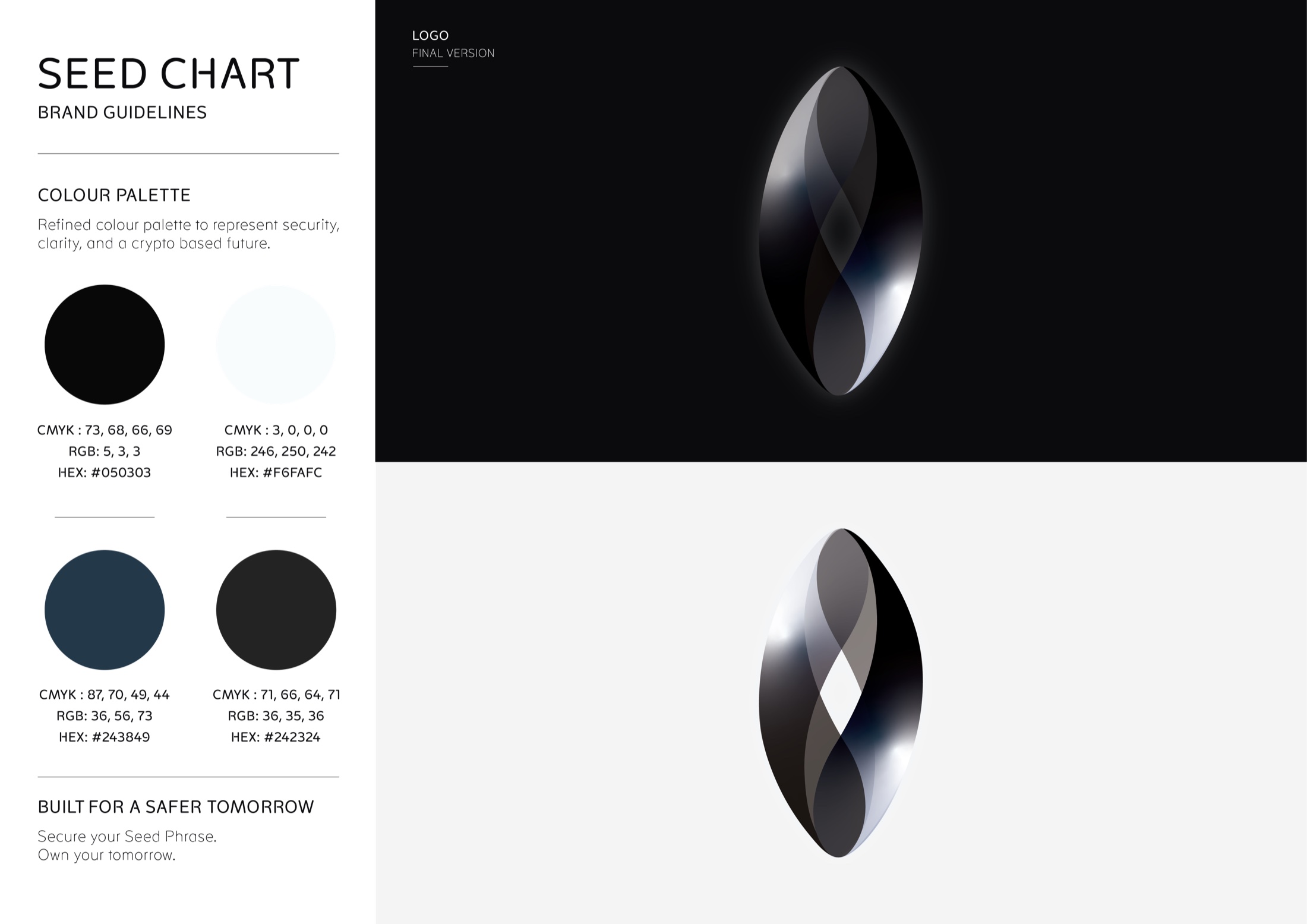
Switch between the stages below to see the logo evolve into the final design the client chose to move forward with.






App screen colourways
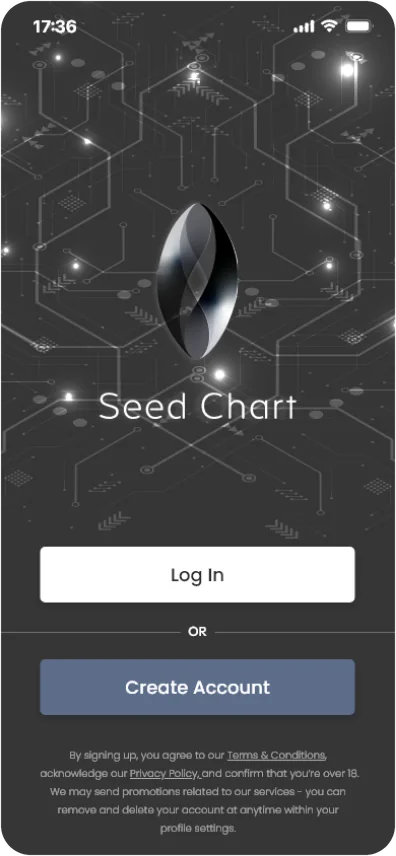
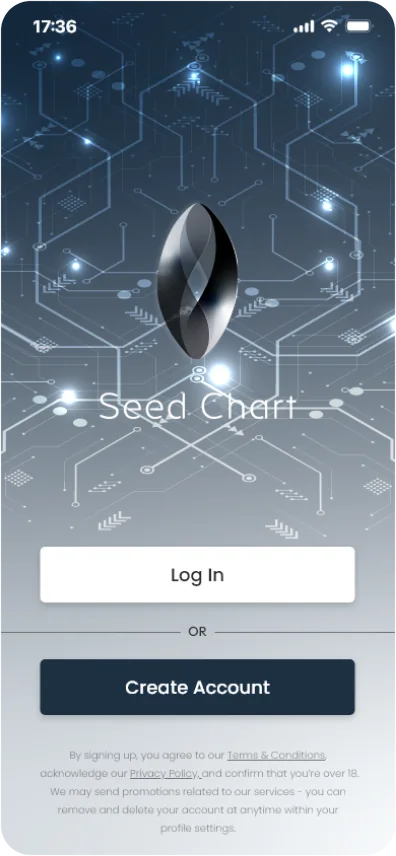
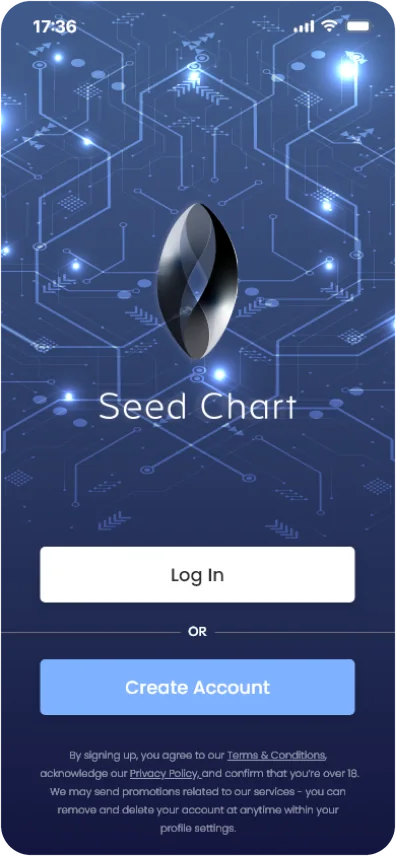
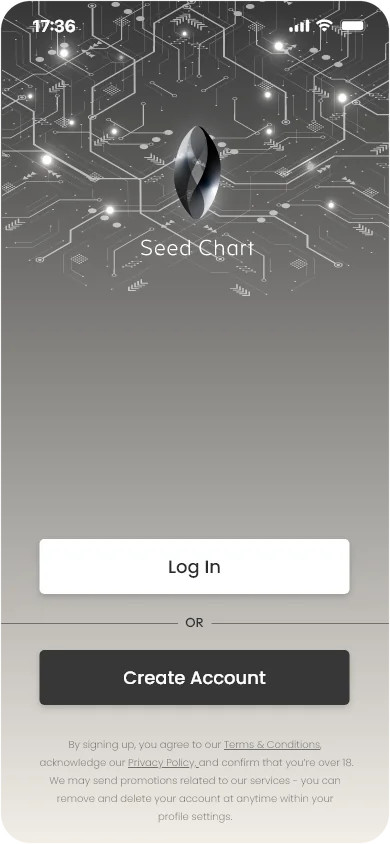
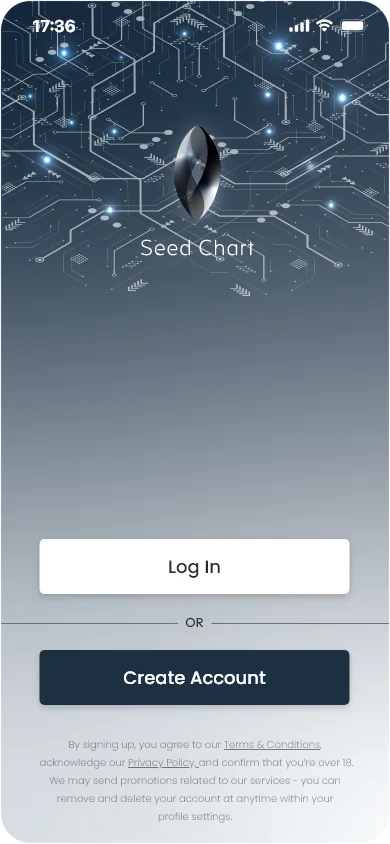
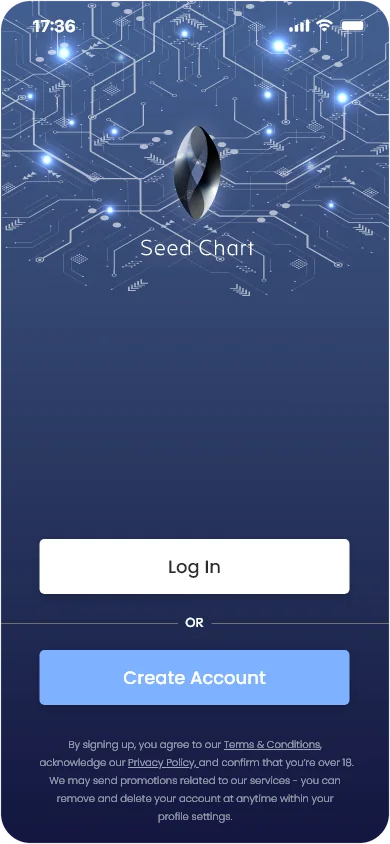
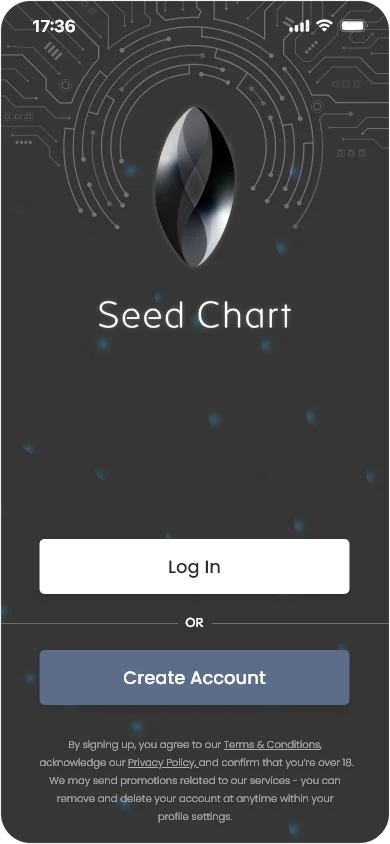
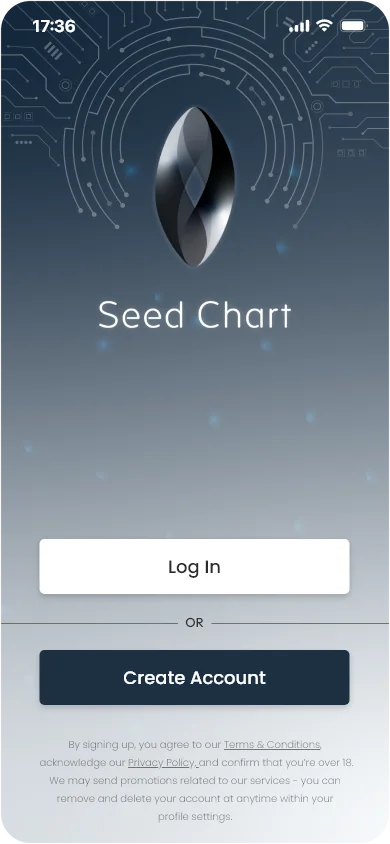
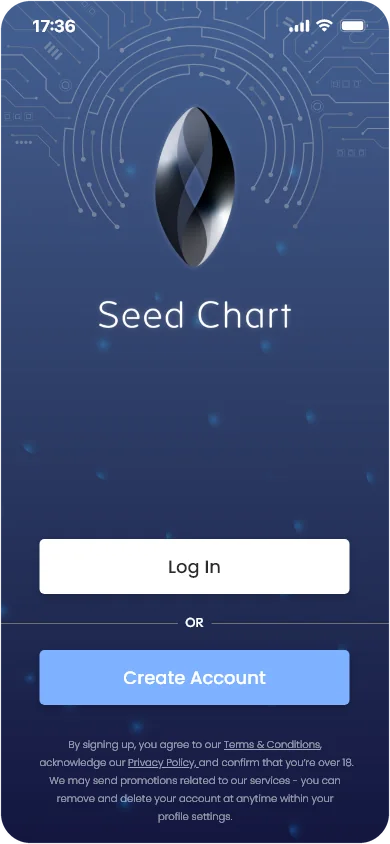
The theme, tested on the sign-in screen.
Fig. 02
Nine sign-in concepts: three layouts, each in three colourways. Switch the colourway to compare the layouts side by side.
Finished MVP screens
From sign-up to the first chart.
A selection of the high-fidelity screens developed for the finished MVP. Thirty-four actionable screens were created in the four days, from a secure, multistep onboarding to a step-by-step guide and the sequence that hides your phrase in your seed charts.
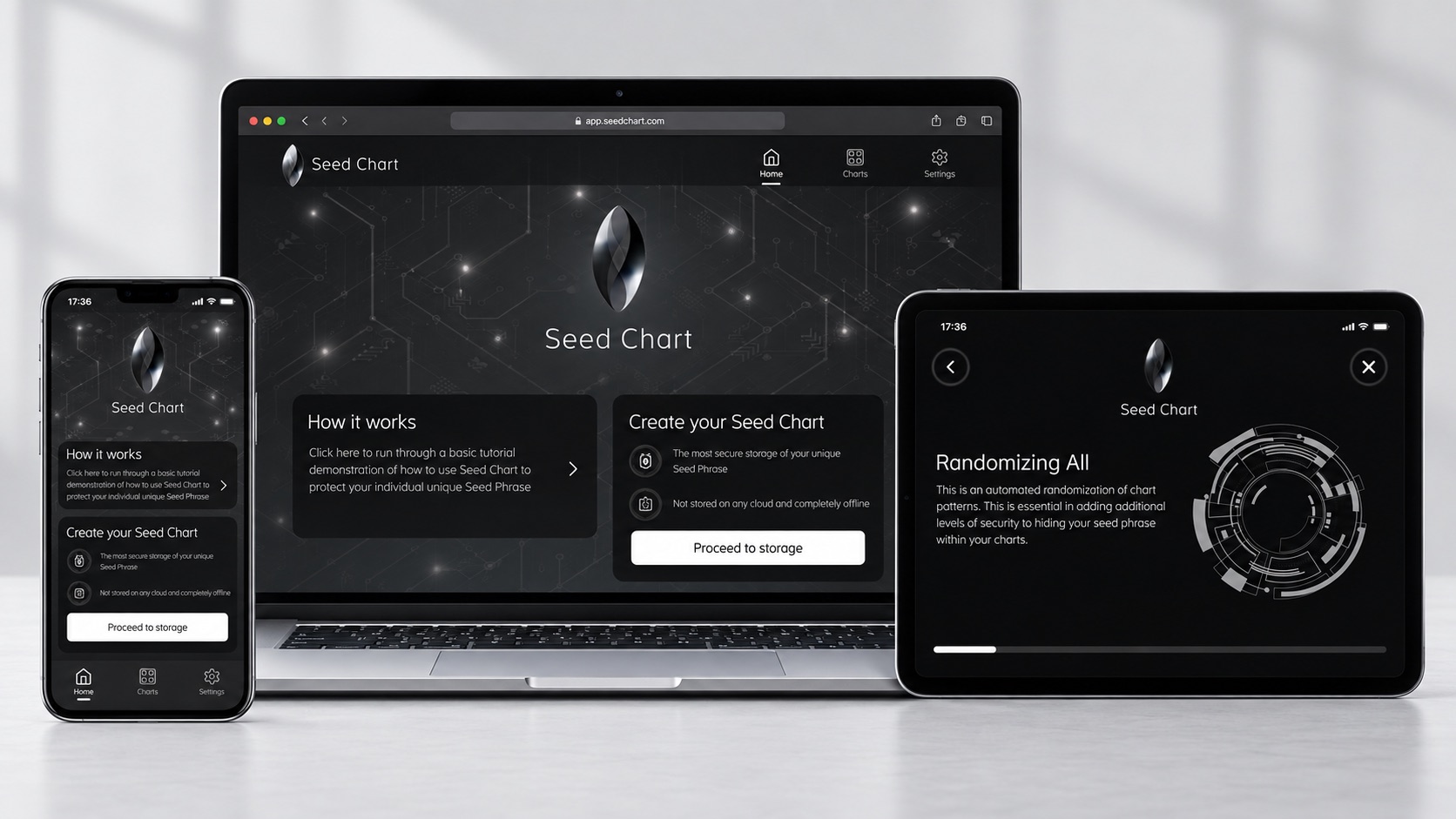
The same system runs on phone, web and tablet.
Fig. 03
Onboarding, in order.
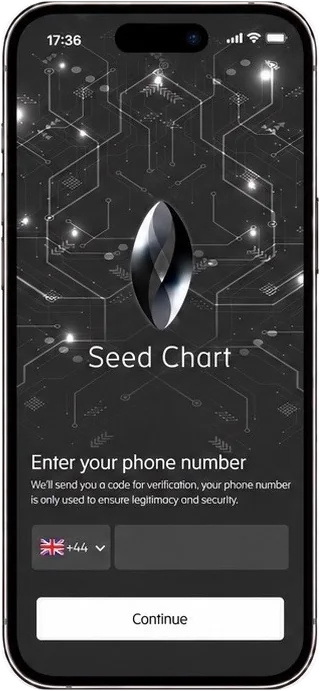
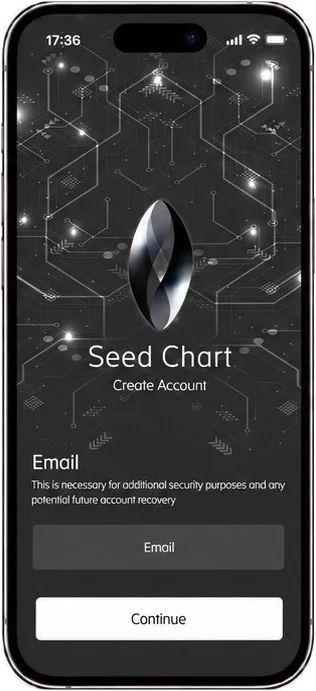
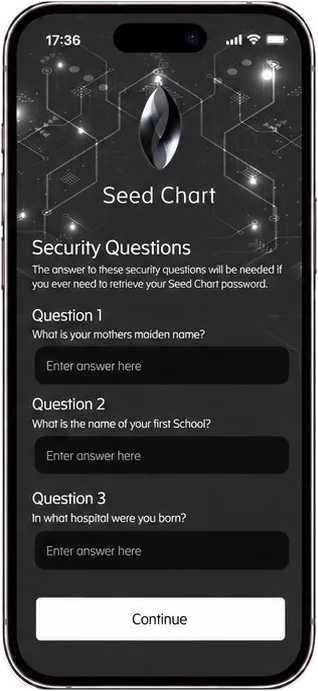
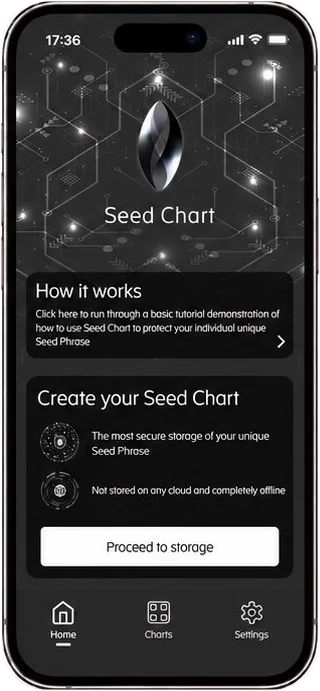
Fig. 04
Creating a chart, in order. The password step, not shown, sits between the charts and the starting set.
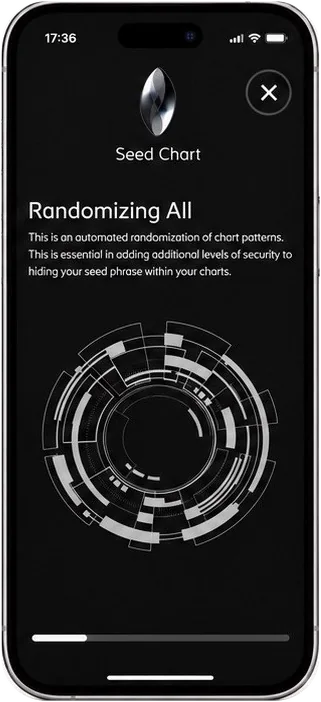
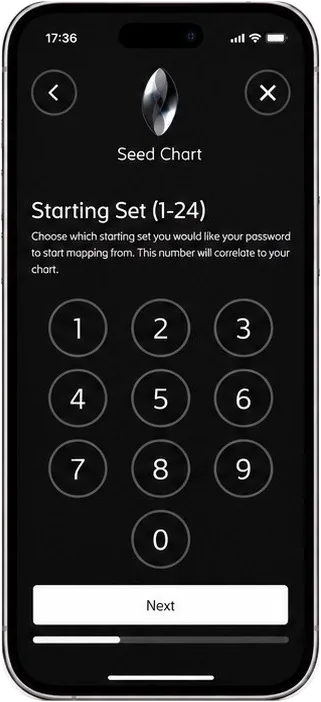
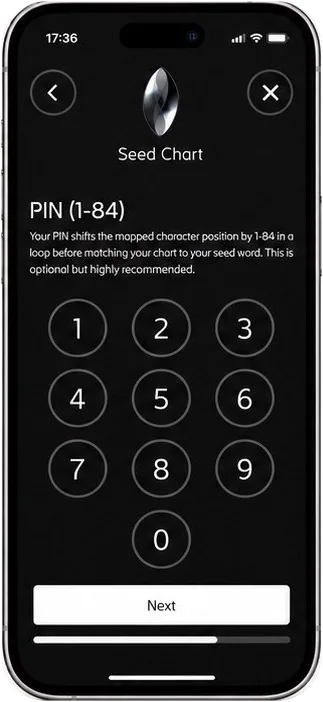
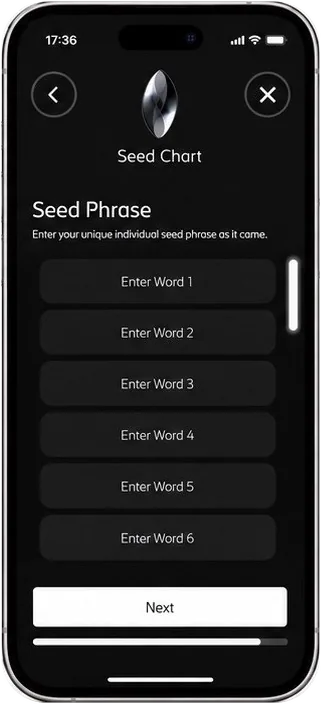
Fig. 05
The MVP on phone, web and tablet.